Image privacy
Is the img upscaler safe? Check these things first
Is the img upscaler safe? That depends on the service, the image you submit, and what happens to the file afterward. An image upscaler can improve the appearance of a picture, but visual quality is separate from privacy and security. Check a service’s terms before uploading anything sensitive.
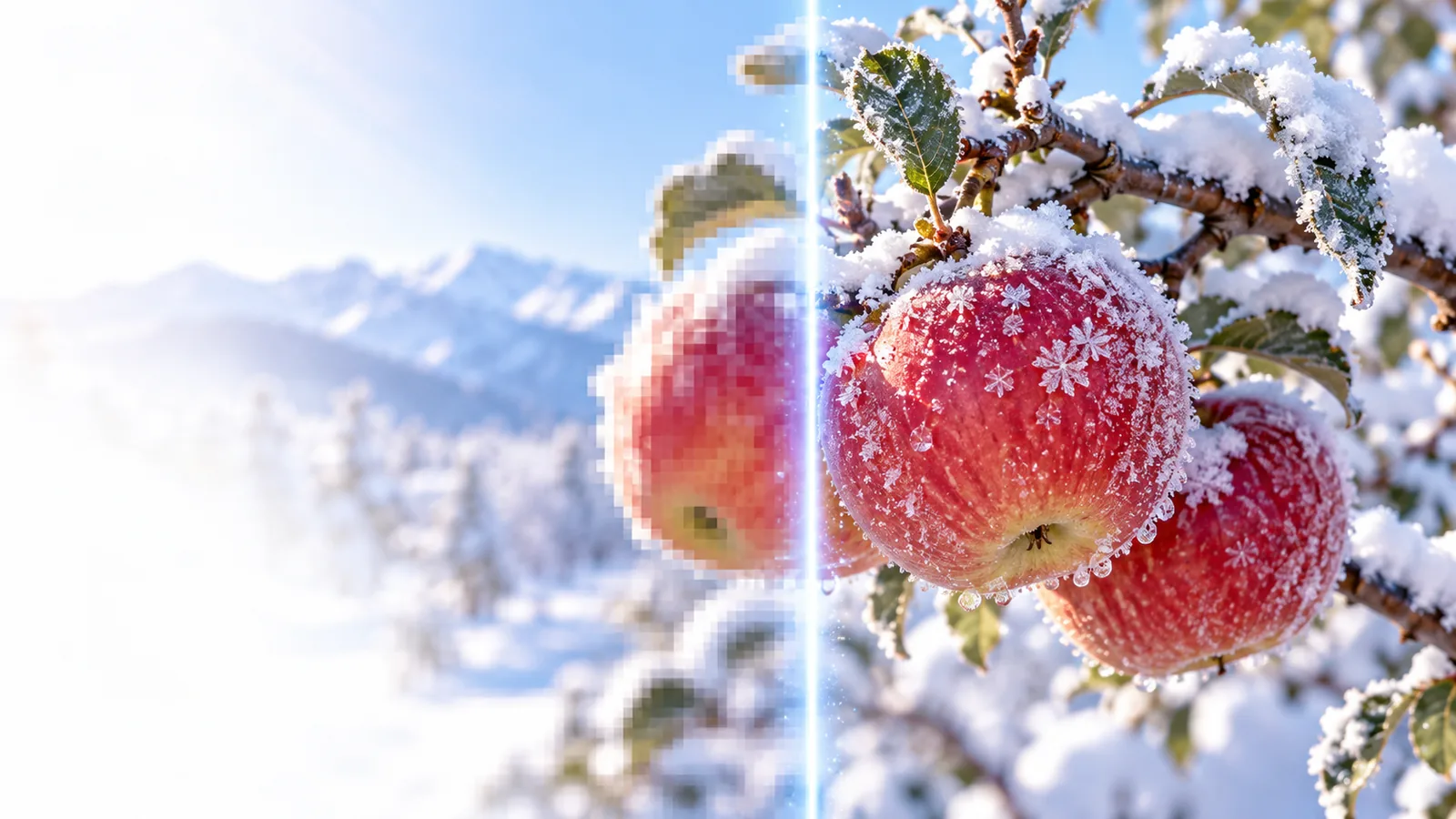
What an image upscaler does
An image upscaler enlarges a picture and may estimate detail to make the result look clearer. That describes the visual process, not how a service stores or uses the picture. These related guides cover other ways to approach the task:
How an upload-based image upscaler works
The exact workflow varies by service. For an online image upscaler, follow the file through three stages rather than judging safety by the finished picture alone.
-
1
Choose the source image
Start with a picture you have permission to use. Remove location metadata or crop out identifying details if they are unnecessary; even a small photo can contain private information.
-
2
Check where processing happens
Read whether the image stays on your device or is uploaded to a server. If it is uploaded, look for clear statements about access, retention, deletion, and use for model training.
-
3
Inspect and manage the result
Compare the output with the original before sharing it. Check whether you can delete uploaded files or generated results, and do not assume closing a tab removes either one.
What enhancement can and cannot tell you
An image upscaler may make edges and textures appear sharper. A convincing result does not prove that missing details were recovered accurately, or that the service handled the original privately.
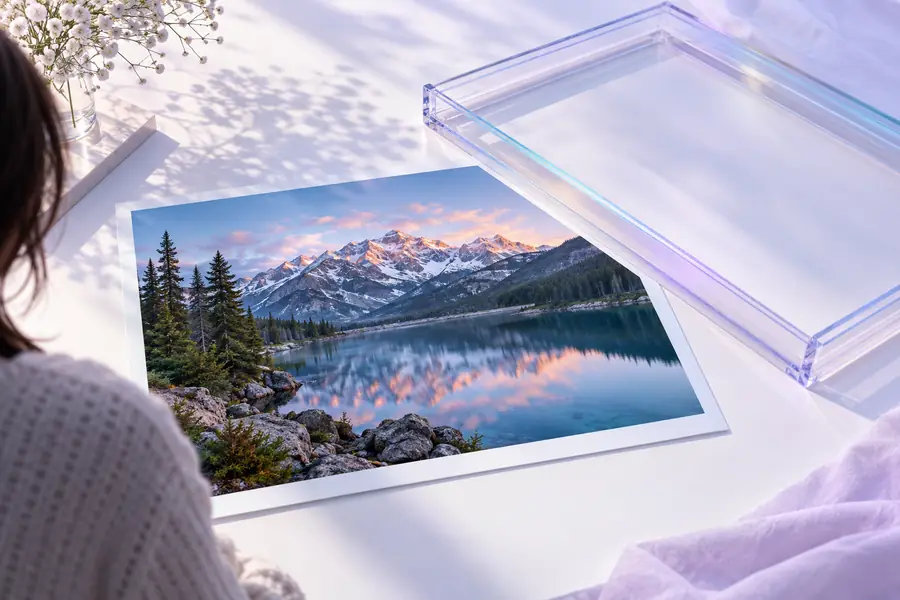 Before enhancement
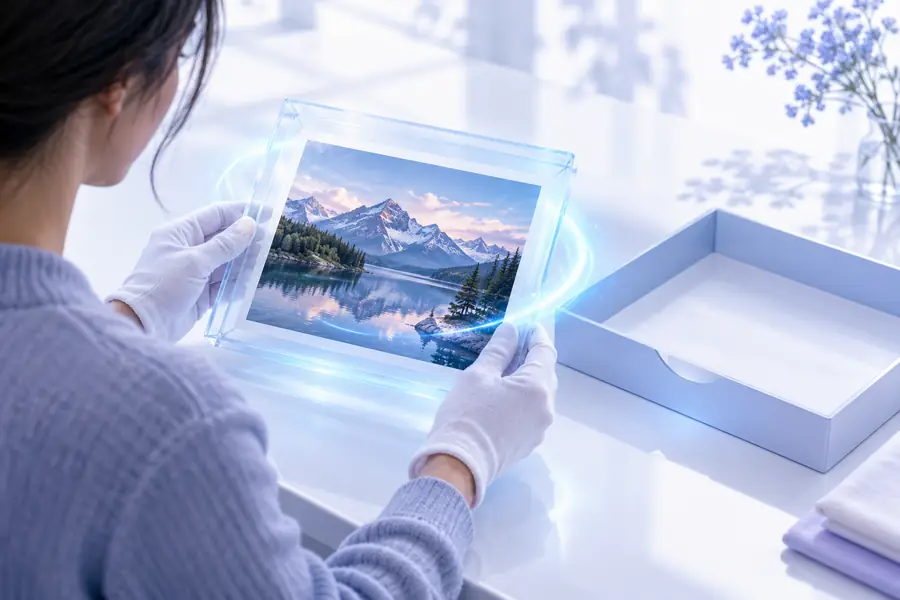 After enhancement
Who should take extra care?
A casual landscape photo and a confidential client image call for different decisions. Is the img upscaler safe? Use the comparison below to decide what questions to ask, not as a guarantee about any particular provider.
- Personal or low-sensitivity image
- Sensitive or restricted image
Examples
Personal or low-sensitivity image
A photo you own and are comfortable sharing.
Sensitive or restricted image
A client file, private portrait, medical image, or confidential document.
Permission
Personal or low-sensitivity image
Confirm that you own the image or have consent to edit it.
Sensitive or restricted image
Check contracts, consent, and organizational rules before any upload.
Identifying details
Personal or low-sensitivity image
Review visible names, faces, and location clues.
Sensitive or restricted image
Remove unnecessary identifiers, or avoid an external service.
Privacy policy
Personal or low-sensitivity image
Read the retention and deletion terms before using an online image upscaler.
Sensitive or restricted image
Require terms that meet your specific privacy obligations.
Processing location
Personal or low-sensitivity image
Decide whether server-based processing is acceptable.
Sensitive or restricted image
Consider an approved local workflow if the file must stay on your device.
Output accuracy
Personal or low-sensitivity image
Check whether altered details matter for your intended use.
Sensitive or restricted image
Do not rely on invented detail as evidence or as an accurate record.
Choose a workflow that fits your image
Check privacy first, then assess the result
Imageupscaler can point you toward an image enhancement workflow, but this page cannot verify another service’s handling of your files. Before proceeding, review the destination’s current terms and avoid submitting images you are not authorized to share. If you need strict control over a file, consider an approved local editor instead.
Explore image enhancement- Read upload and retention terms
- Use images you may share
- Compare the result with the original
FAQ: image upscaler safety
There is no universal answer for every image upscaler. Check the specific service’s privacy policy, file retention terms, and processing method before uploading; for sensitive images, follow your own consent and security requirements.
If a service requires an upload, its systems must receive the file to process it. Whether people can access it, how long it is retained, and whether it is used for other purposes depend on that provider’s terms and practices.
Avoid uploading a private photo until you understand how the service handles files and have permission from anyone affected. If you cannot establish that the terms meet your needs, use an approved local editing method instead.
Not necessarily. An image upscaler can estimate plausible pixels, so apparent text, facial features, or fine textures may differ from the original scene. Keep the source file and avoid presenting generated detail as verified evidence.